Integrations
MCP server
Plug RE:GINE into Claude Desktop, Cursor, VS Code or any MCP client.
A streamable-HTTP MCP server is exposed at http://localhost:8080/mcp/ (the trailing slash is canonical; /mcp also works), or http://localhost:3000/mcp/ through the frontend proxy. It advertises 10 high-level tools:
| Tool | Purpose |
|---|---|
submit_binary | Kick off an async analysis on a previously-uploaded binary. |
submit_compare | Same, with two binaries → compare mode. |
register_binary_from_url | Pull a binary from a URL into the inbox (SSRF-hardened). |
list_recent_jobs | Recent jobs, paginated. |
get_job_status | Job status and progress JSON. |
get_job_report | Final Markdown report once the job is ready. |
ask_about_job | Follow-up question against a finished job (re-opens the Ghidra context). |
list_workflows | Discover the available workflow ids. |
get_ghidra_bridge_info | URL of the raw Ghidra MCP bridge (209 tools). |
get_filebrowser_access | Mint short-lived FileBrowser access (optional blob store). |
{
  "mcpServers": {
    "gine": {
      "url": "http://localhost:3000/mcp/",
      "type": "streamable-http"
    }
  }
}
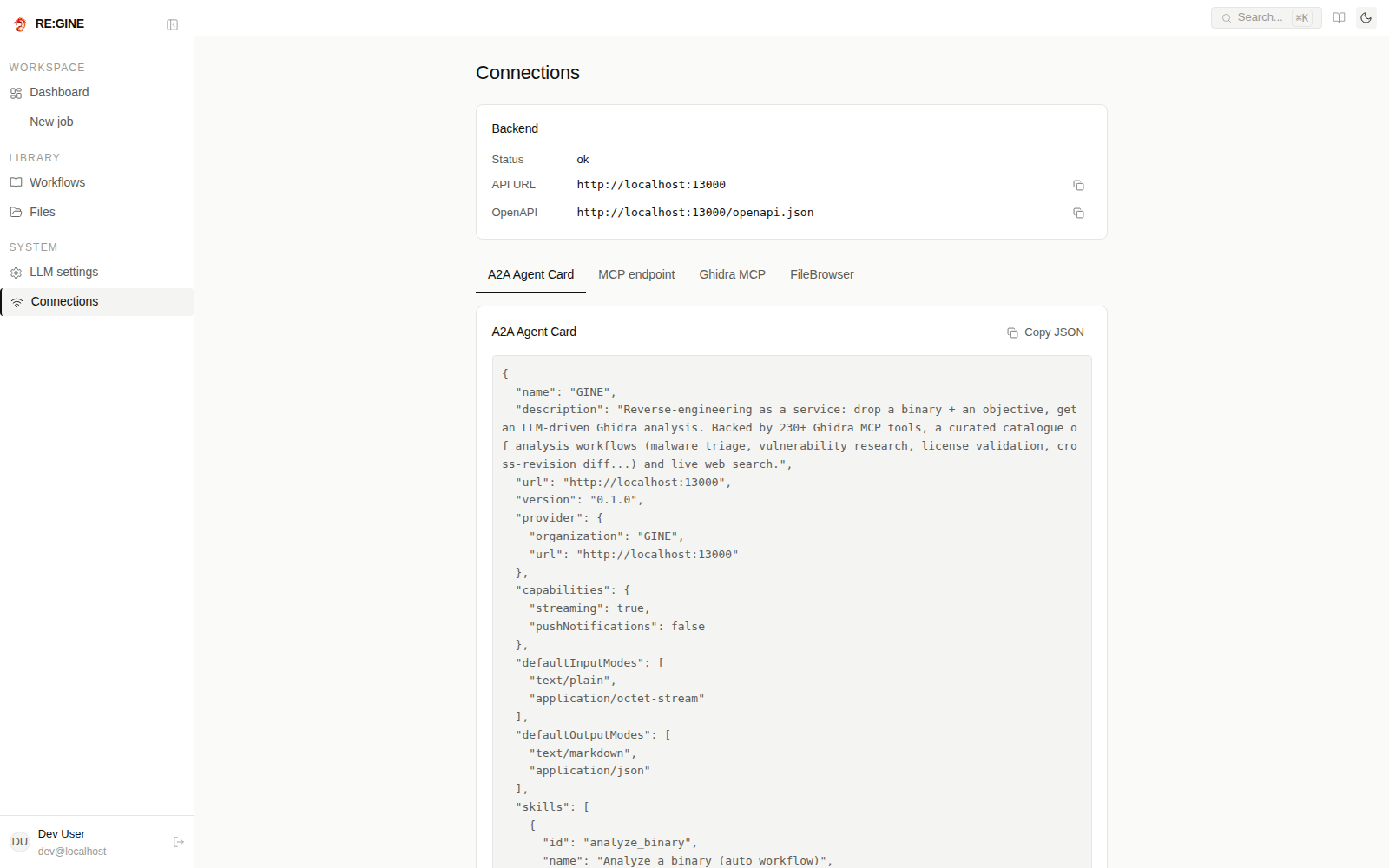
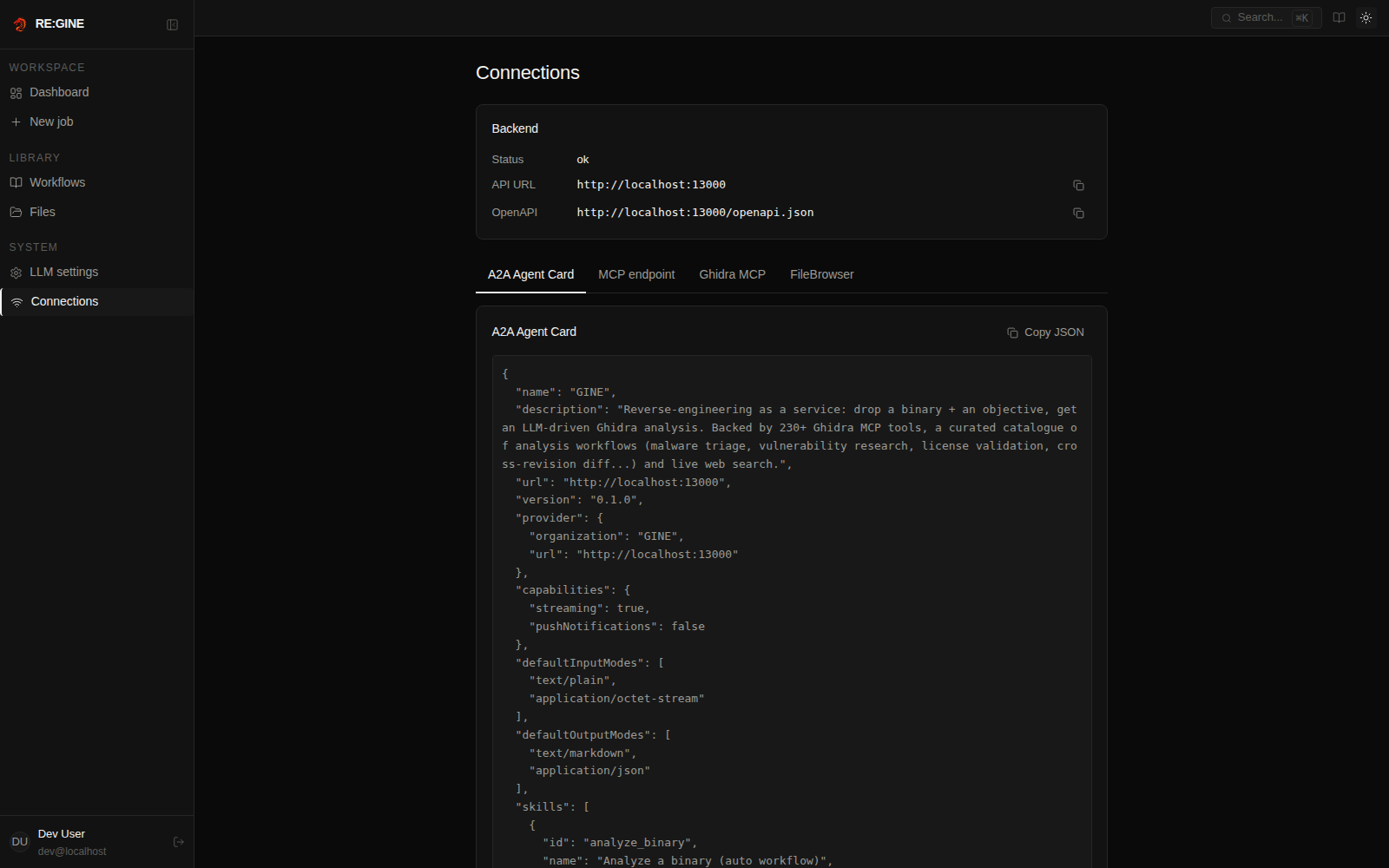
The Connections page of the web UI shows the A2A agent card, the MCP endpoint, the raw Ghidra MCP bridge and FileBrowser for your deployment, ready to copy.
Behind a reverse proxy the MCP DNS-rebinding guard accepts the host derived from
PUBLIC_URL (plus loopback). Extra aliases go in MCP_EXTRA_ALLOWED_HOSTS / MCP_EXTRA_ALLOWED_ORIGINS.When auth is enabled, submit_binary, submit_compare and ask_about_job require an authenticated connection and attribute the job (owner, tenancy, LLM billing) to the caller. MCP / OAuth clients discover the authorization server through /.well-known/oauth-protected-resource (RFC 9728).