Guides
Workflows
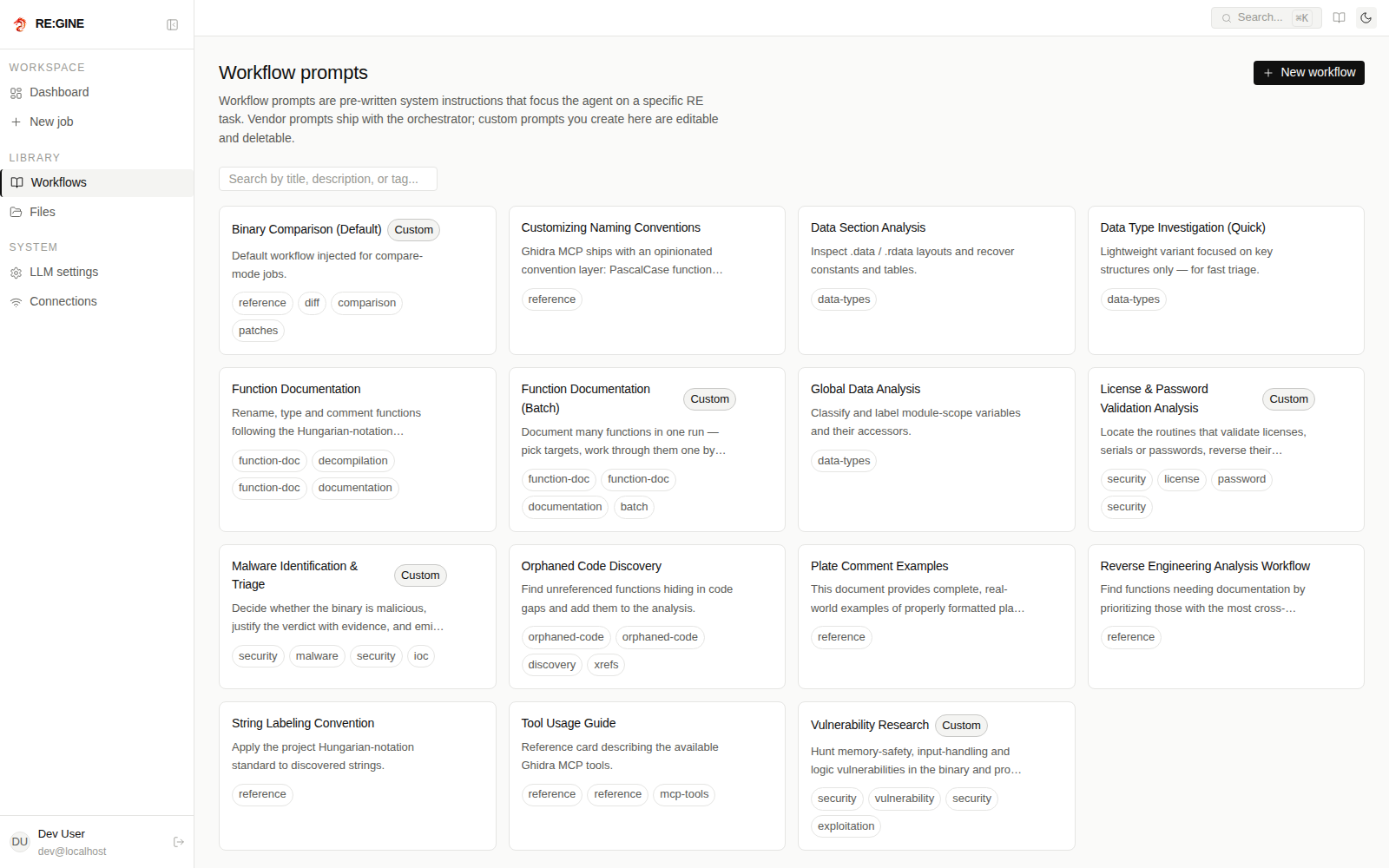
The curated analysis prompts, the auto router and compare mode.
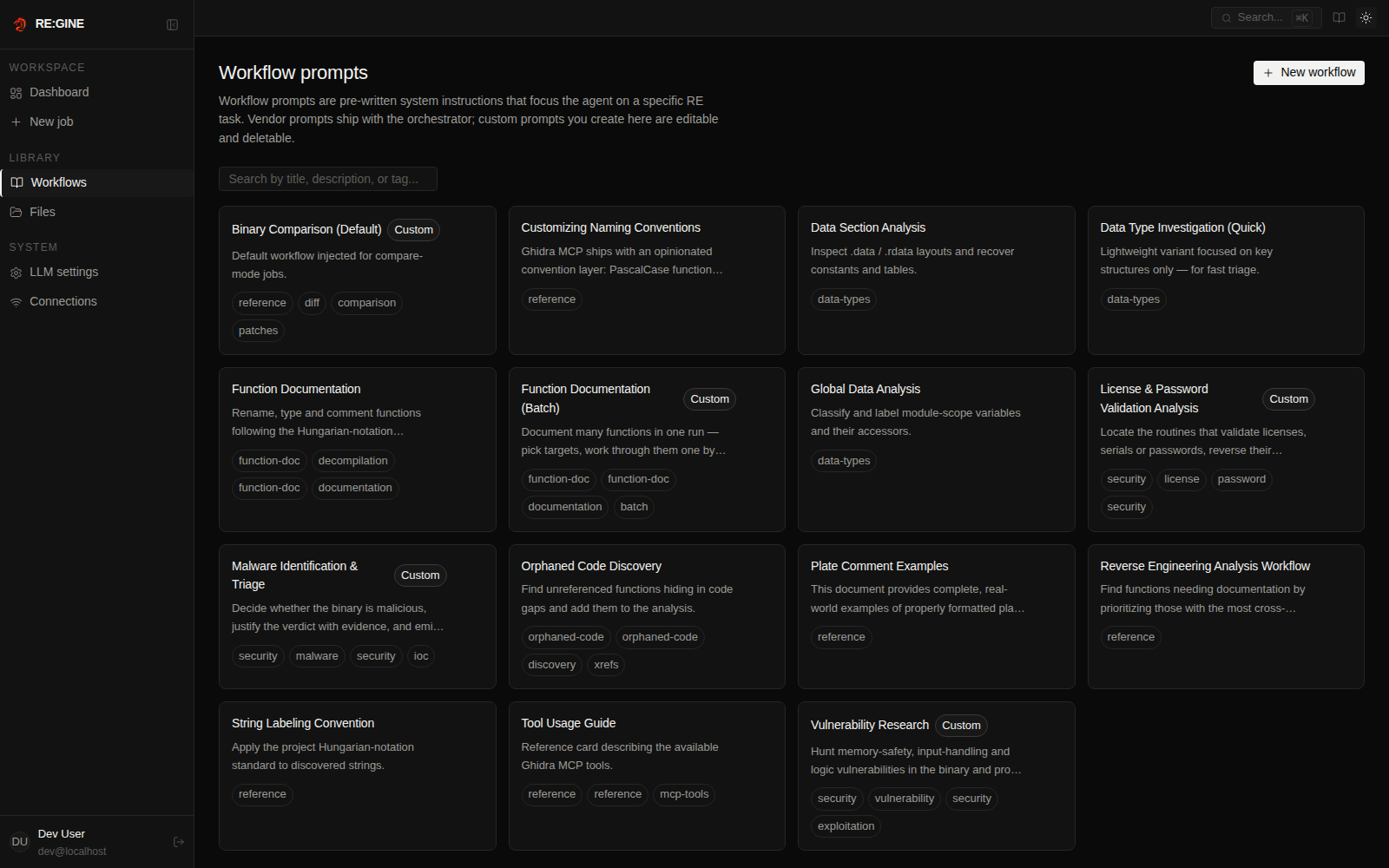
Workflows are versioned Markdown prompts, hot-loaded from the vendored ghidra-mcp prompt directory and the orchestrator's local prompts. You can register your own from the Workflows page of the web UI.
| Workflow id | What it produces |
|---|---|
malware-analysis | Verdict (benign / suspicious / malicious) with confidence, IOCs, a YARA rule and an OS-appropriate playbook. |
vulnerability-research | Attack-surface inventory and memory-safety / logic flaws, each backed by a minimal educational PoC in C or Python. |
license-validation | Located validation routines, the reversed algorithm, and a patch-bypass or keygen on explicit request. |
binary-comparison | Two binaries diffed in a single Ghidra project — added, removed and changed functions, with rationale. |
auto | A cheap router LLM picks the closest match for your binary and objective. |
You can list the ids with the list_workflows MCP tool or the REST API.
Compare mode
Select a second binary when creating the job. Both are loaded into one Ghidra project and the agent diffs them through switch_program. Optional language and compiler-spec hints apply to both binaries.
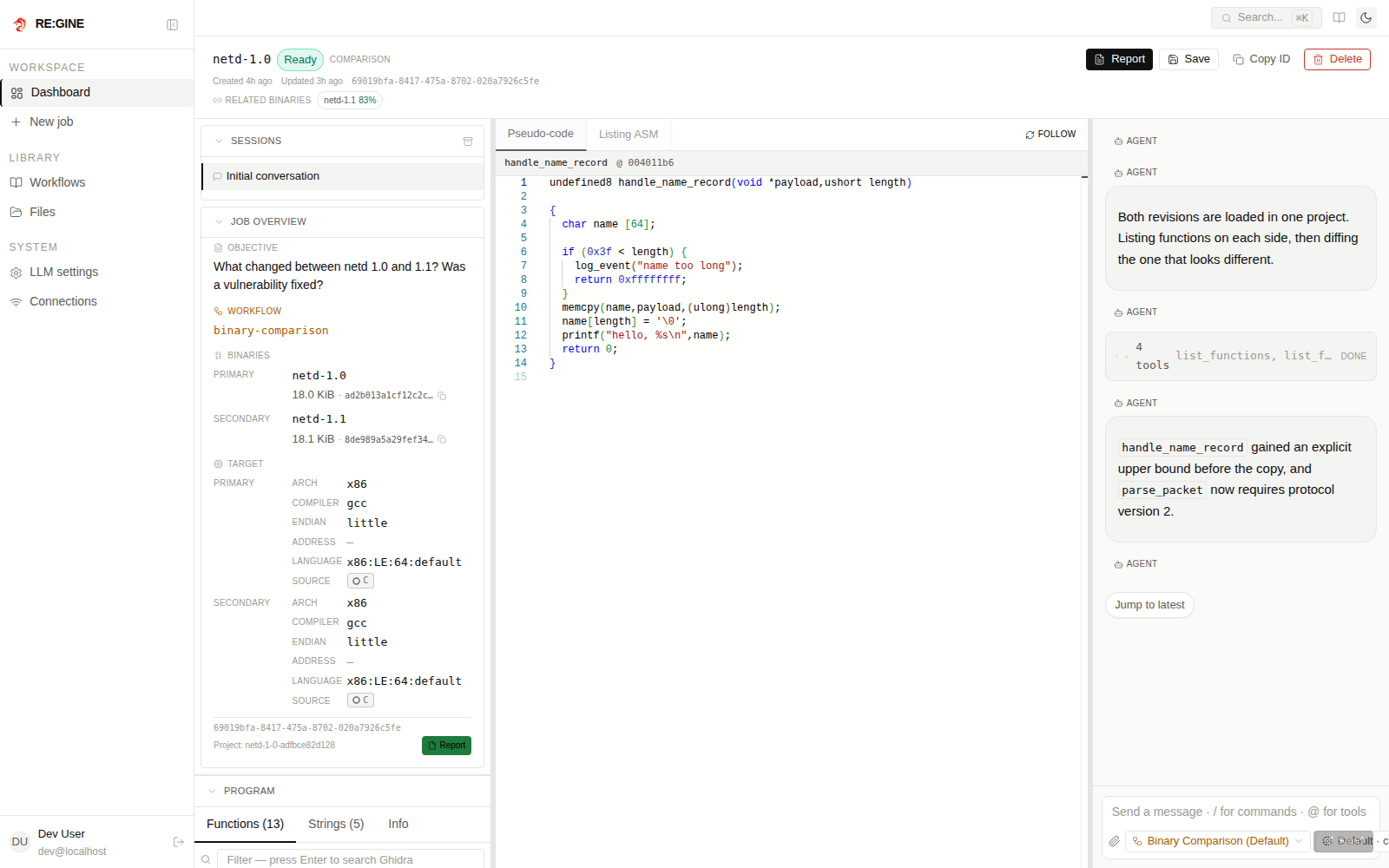
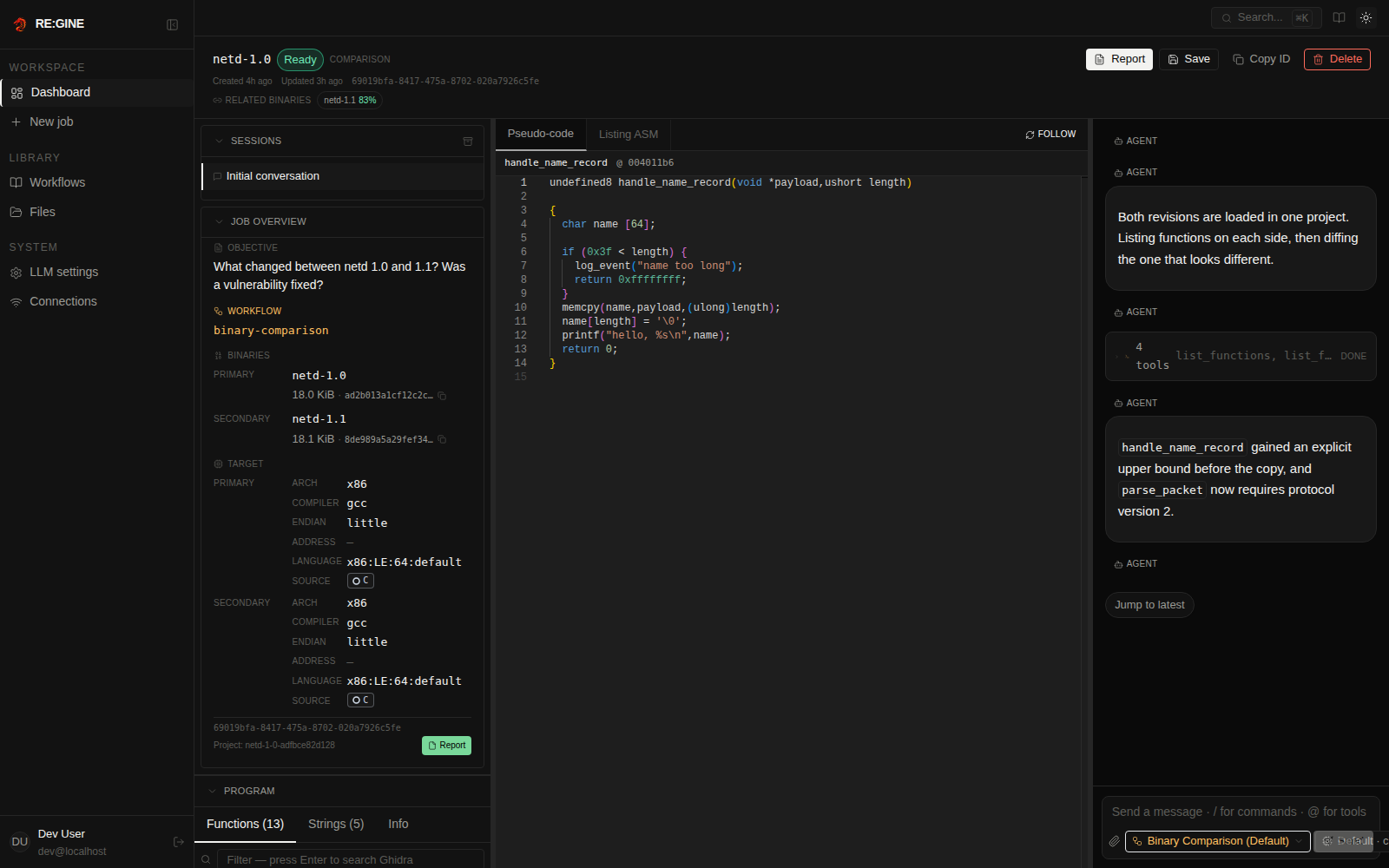
Related binaries are listed in the job header with their similarity score.