Getting Started
Your first analysis
Submit a binary, follow the agent and read the report.
1. Submit a binary
Any of these creates a job:
- Drop the file in
data/inbox/— the watcher picks it up. - Use New job in the web UI.
POST /api/v1/binaries.- Call
submit_binaryfrom an MCP client.
Give an objective in plain language (for example "Audit the packet parser for memory-safety flaws") and pick a workflow, or leave it on auto.
2. Follow the agent
Open the job. The left column holds the sessions, the job overview and the program explorer; the centre shows the decompiled or disassembled code; the right column streams the agent's thoughts and tool calls over a per-job WebSocket.
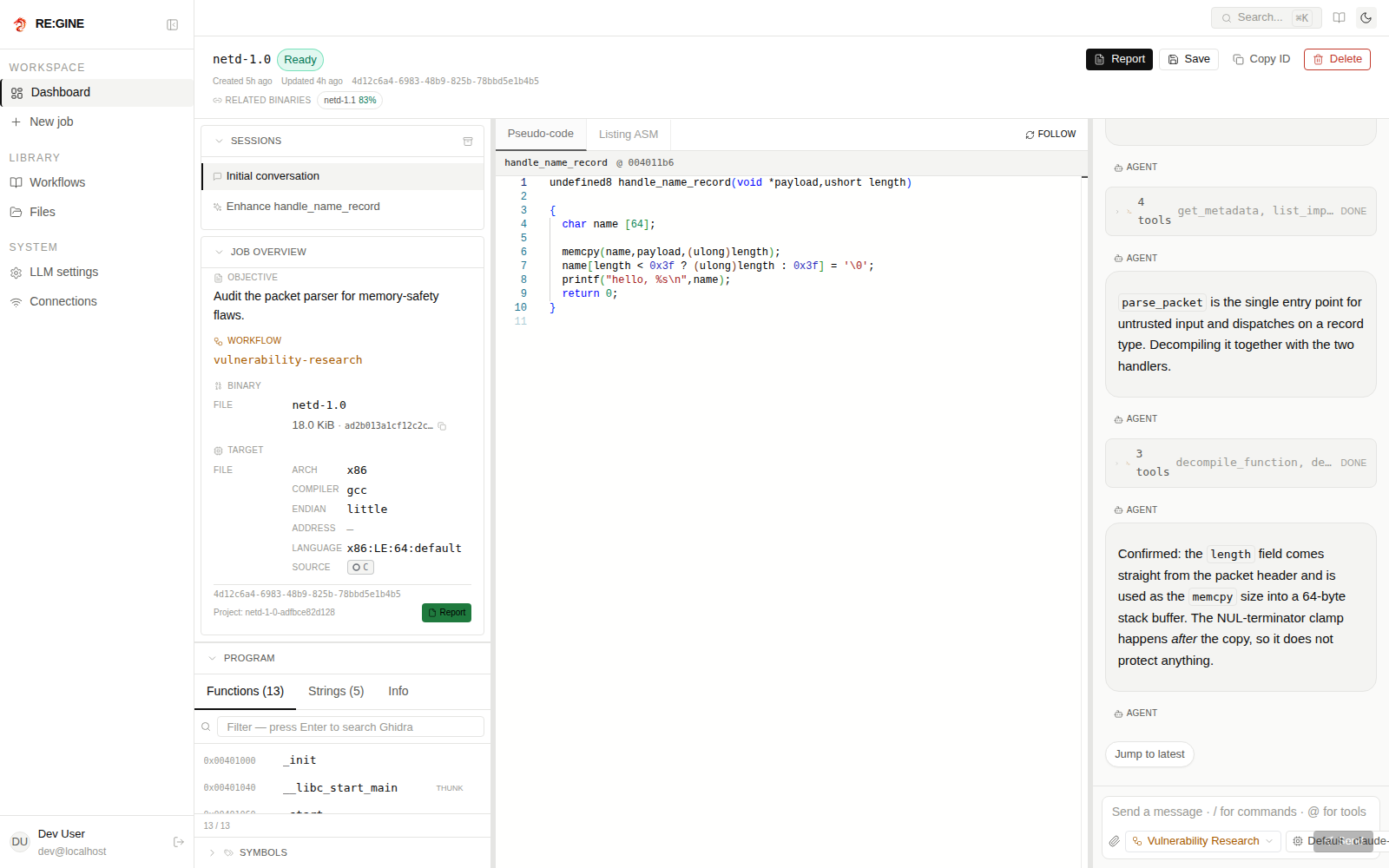
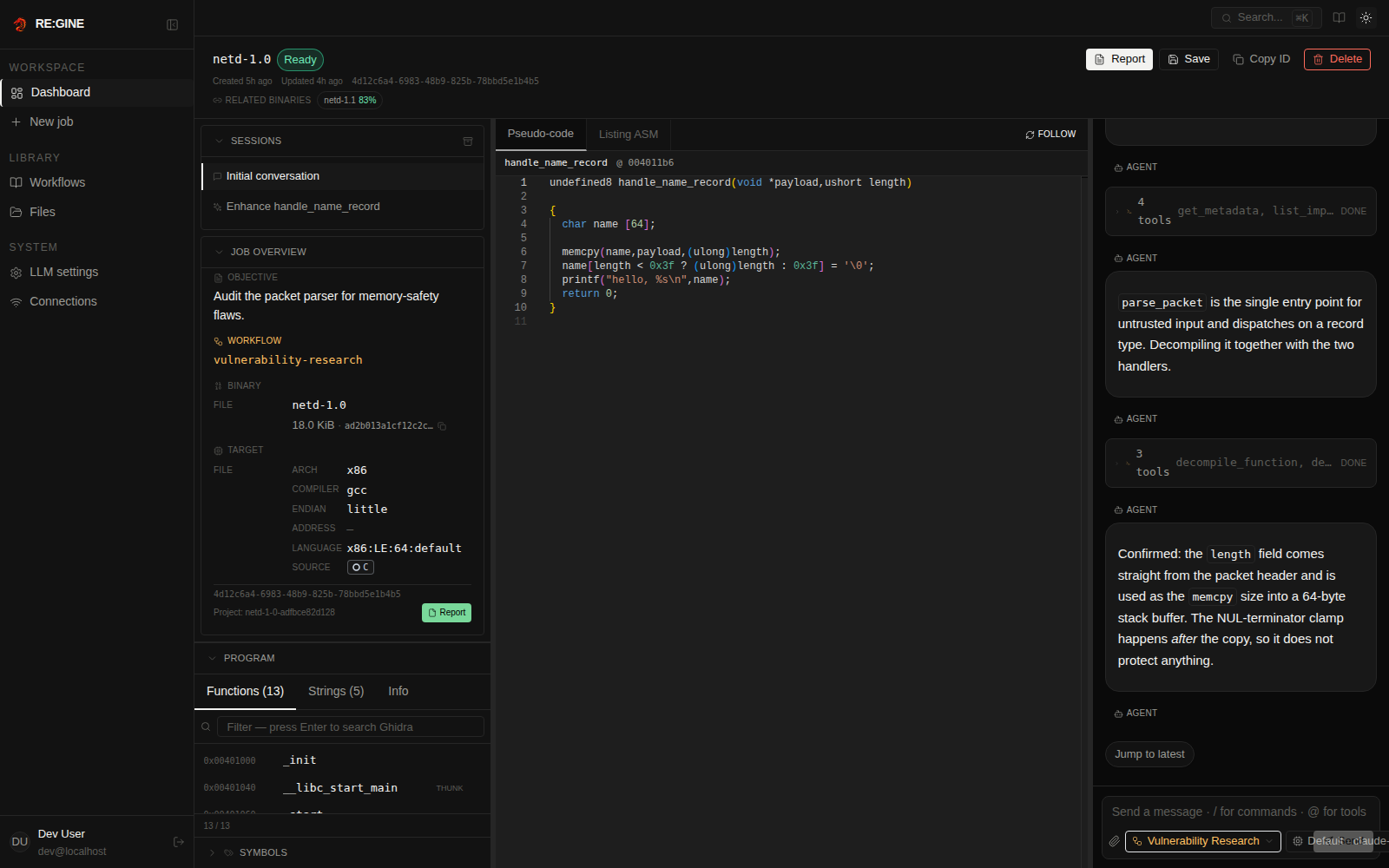
3. Read the report
When the job reaches ready, the Report button opens the final Markdown report. The same file is written to data/reports/<job-id>.md and is available through the API and the get_job_report MCP tool.
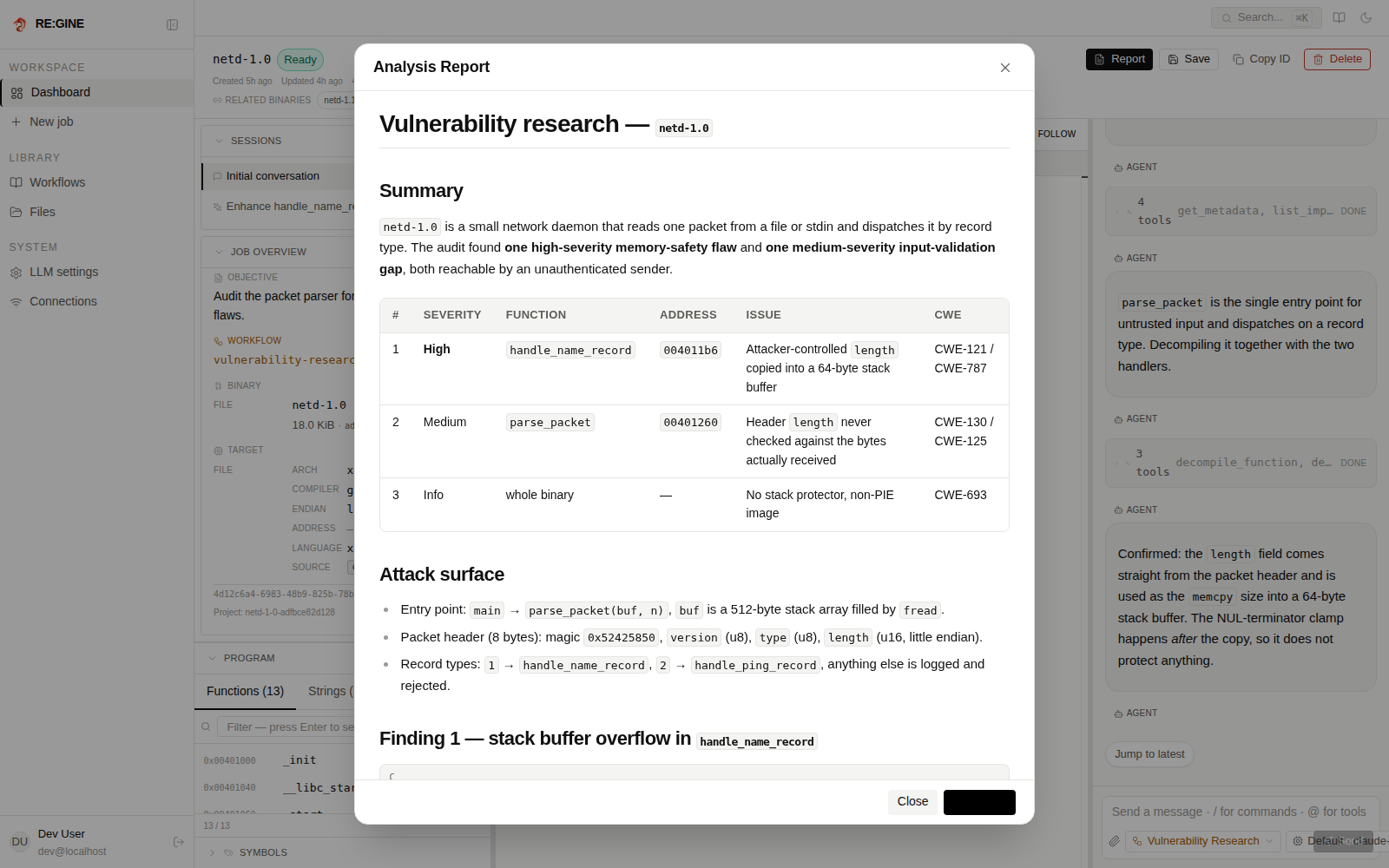
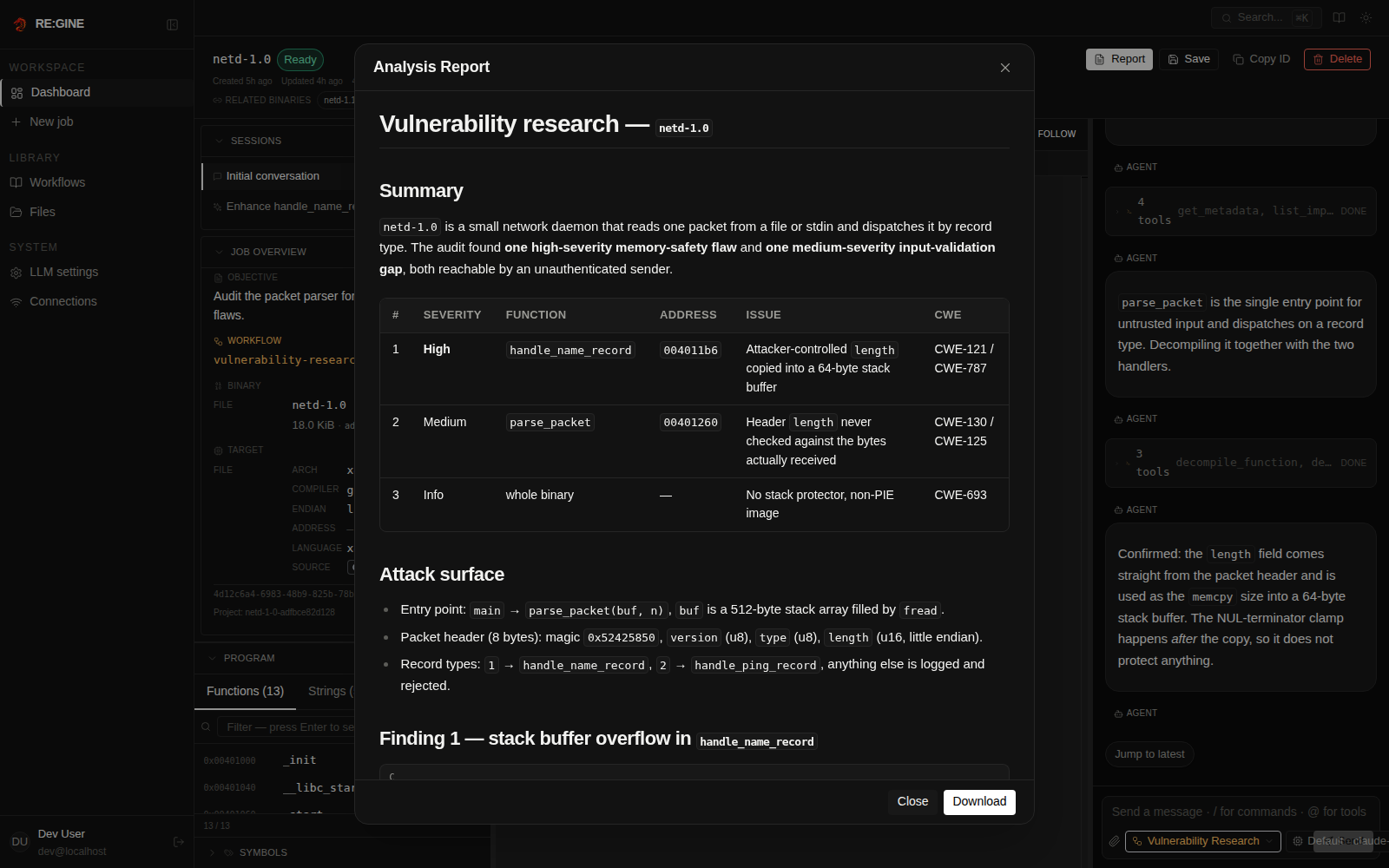
4. Keep digging
- Ask a follow-up question in the chat — it re-opens the Ghidra context.
- Pin a function and enhance it.
- Download the Ghidra project to continue in the Ghidra GUI.