Organizations
Auth Service includes first-class support for organizations (companies / tenants) powered by BetterAuth's organization() plugin. Organizations are designed for a two-tier distribution model:
| Tier | Actor | Typical role |
|---|---|---|
| 1 | Reseller / distributor | Creates and owns organizations representing their end-clients |
| 2 | Integrator | Member of one or more organizations; manages IT resources scoped to those organizations |
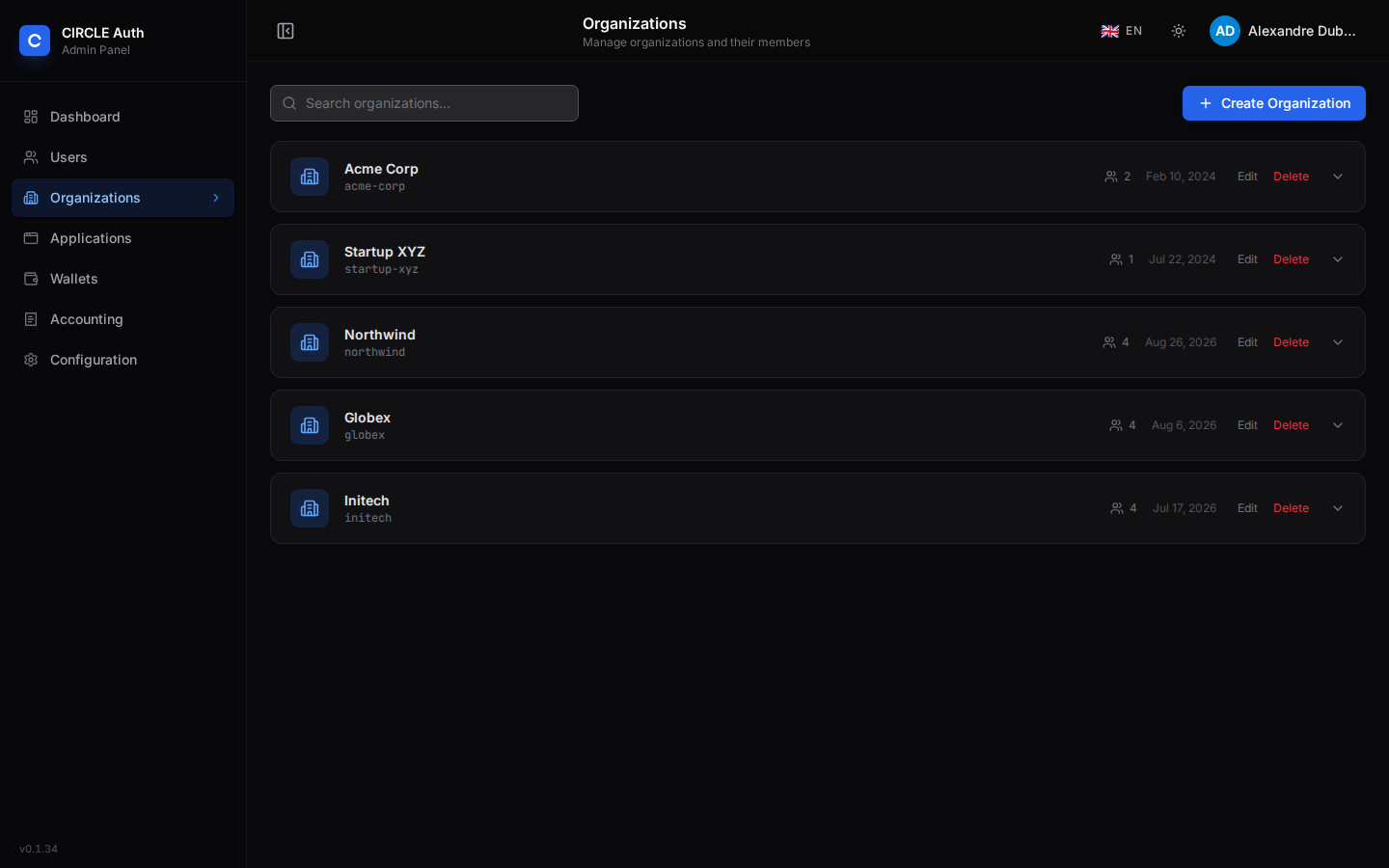
Organization schema
| Field | Type | Description |
|---|---|---|
id | string | Primary key |
name | string | Display name (max 100 chars) |
slug | string | Unique URL-safe identifier (lowercase alphanumeric + hyphens, max 50 chars) |
logo | string | Optional logo URL |
metadata | JSON object | Arbitrary key-value metadata |
createdAt | timestamp | Creation date |
Member roles
Every member of an organization holds one of three roles. They are BetterAuth's default organization roles and govern the native /api/auth/organization/* endpoints; the admin API below is gated by the global admin / superadmin role instead.
| Role | BetterAuth default permissions |
|---|---|
owner | Update and delete the organization, create, update and delete members, create and cancel invitations |
admin | Update the organization, create, update and delete members, create and cancel invitations |
member | No organization, member or invitation permissions |
The org_id claim
When a client requests the org scope during an OAuth 2.0 authorization flow, the access token (a JWT, so the request needs a resource) includes an org_id claim set to the ID of the organization the authorization is bound to:
{
  "org_id": "org_01hwxyz..."
}
Which organization is used:
- A user who belongs to exactly one organization is bound to it implicitly.
- A user who belongs to several is redirected to
/select-orgduring authorization and picks one; the page sets it as the session's active organization (/api/auth/organization/set-active) and the authorization resumes with that organization. - A user who belongs to none gets no
org_id.
The claim is not added to the ID token or to userinfo.
Backend services can use this claim to:
- Scope database queries to the organization's data.
- Enforce CASL abilities with
{ org_id }conditions. - Isolate resources between tenants without additional requests to auth-service.
Access control
Only users with the global role admin or superadmin can create organizations (BetterAuth's allowUserToCreateOrganization is restricted to them), and every admin API route below requires one of these roles. Regular user-role accounts can belong to organizations as members but cannot create them.
Admin API endpoints
List organizations
GET /api/admin/organizations
Supports pagination and filtering:
| Query parameter | Default | Description |
|---|---|---|
page | 1 | Page number |
limit | 20 | Results per page (max 100) |
search | — | Filter by name or slug (case-insensitive, partial match) |
sortBy | name | Sort field: name, slug, or createdAt |
sortOrder | asc | asc or desc |
Response includes a memberCount for each organization, plus total, page and limit.
Create an organization
POST /api/admin/organizations
{
  "name": "Acme Corp",
  "slug": "acme-corp",
  "logo": "https://example.com/logo.png",
  "metadata": { "region": "eu-west" }
}
logo, when given, must be a URL. Answers 201 { organization }; a taken slug is refused with ORG_002.
Get an organization
GET /api/admin/organizations/:id
Returns the organization with its full member list.
Update an organization
PATCH /api/admin/organizations/:id
Accepts name, slug, logo and metadata (at least one).
Delete an organization
DELETE /api/admin/organizations/:id
List members
GET /api/admin/organizations/:id/members
Query parameters: limit (default 50, max 100), offset and search (user name or email). Returns { members, total }.
Add a member
POST /api/admin/organizations/:id/members
{
  "userId": "...",
  "role": "member"
}
role is owner, admin or member (default member). A user who is already a member is refused with ORG_005.
Update a member's role
PATCH /api/admin/organizations/:id/members/:memberId/role
{
  "role": "admin"
}
:memberId is the membership id (the id of the member entry), not the user id. Answers 204.
Remove a member
DELETE /api/admin/organizations/:id/members/:userId
A user who is not a member is refused with ORG_004. Answers 204.
List invitations
GET /api/admin/organizations/:id/invitations
Send an invitation
POST /api/admin/organizations/:id/invitations
{
  "email": "newmember@example.com",
  "role": "member"
}
Sends an invitation email via BetterAuth's invitation flow. Requires SMTP to be configured for the email to be delivered.
Cancel an invitation
DELETE /api/admin/organizations/:id/invitations/:invitationId
Invitation acceptance
Organization invitations are created through the BetterAuth organization plugin and emailed as a link to:
https://<auth-host>/accept-invitation?id=<invitation-id>
The page is always server-rendered from the template system (built-in fallback), because it has no equivalent in the Vue SPA. It supports three paths:
| Situation | Behaviour |
|---|---|
| The invitee has no account | Email/password registration is allowed even when registration is closed. The account is created verified, added to the invited organization and the invitation is marked accepted in one transaction. Social providers configured globally are also offered. |
| The invitee has an account | The page asks them to sign in. After sign-in, the invitation is accepted if the session email matches the invited address (AUTH_014 otherwise) and is verified (AUTH_015 otherwise). |
| A social provider callback returns a session | The provider account is accepted only when its verified email equals the invited address. The user.create.before hook aborts account creation otherwise. |
Acceptance never depends on a default organization: the organization is the one carried by the invitation row. Application invitations are separate and grant application access only; they do not create or assign an organization.
Social profile company and domain auto-join
auth-service does not use a social profile's company (or any equivalent
provider field) to assign an organization. Social profile fields are
self-declared and untrusted: a user can type any company name in a provider
profile, so treating it as membership would let them claim access to a tenant.
Membership is granted only by an explicit action:
- an organization invitation accepted by the matching email address;
- an administrator adding the member through the admin API or UI.
No email-domain rule exists either. An organization has no
email_domain field, so a user is never auto-joined because their email ends
in a given suffix.